What Is ISO in a Camera? Full Form, Meaning and Settings
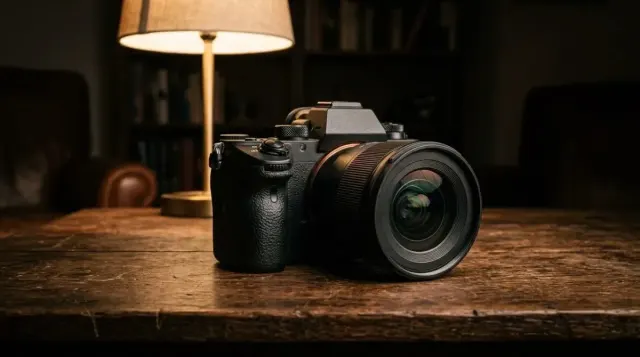
The full form of ISO, what it does to your photos, the best ISO for day, night and indoors, and how to set up Auto ISO.
Practical iPhone photography guides: camera settings, editing in the Photos app and tips that work on the phone you already have.
The full form of ISO, what it does to your photos, the best ISO for day, night and indoors, and how to set up Auto ISO.
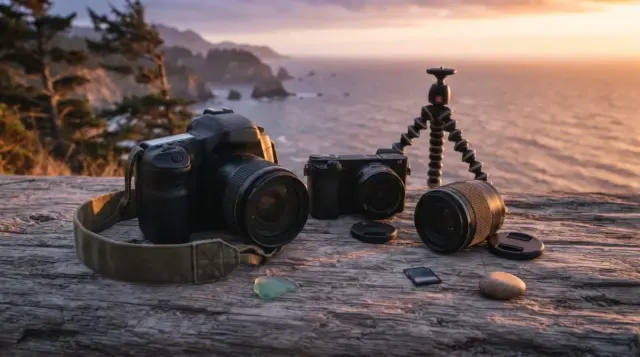
How DSLR and mirrorless cameras differ in viewfinder, autofocus, battery, weight and lenses, and which one to buy in 2026.
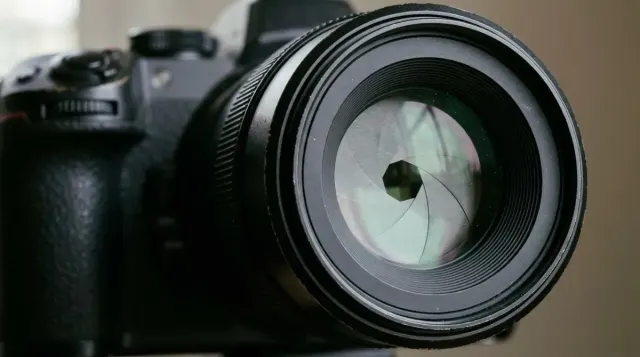
How aperture, shutter speed and ISO control brightness, how to trade one for another, and a chart of starting settings for common scenes.
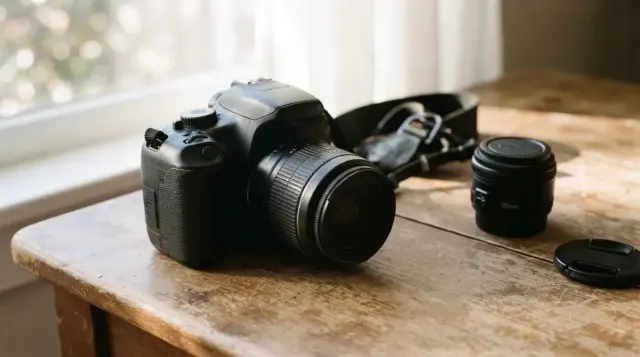
Which mode to use, starter settings for Canon, Nikon and Sony, your first lens, and how to protect a camera from Indian heat and humidity.
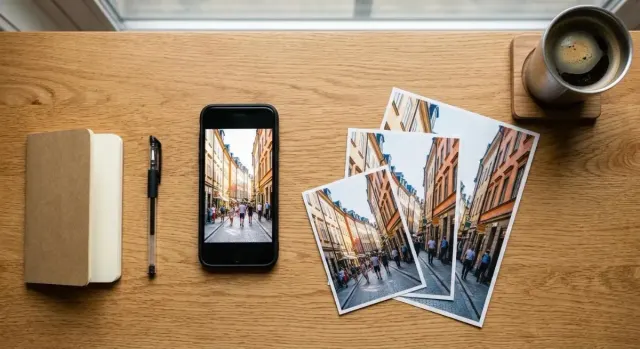
Which iPhone photo format, resolution and ProRAW settings to use, with file sizes for each and the steps to change them.
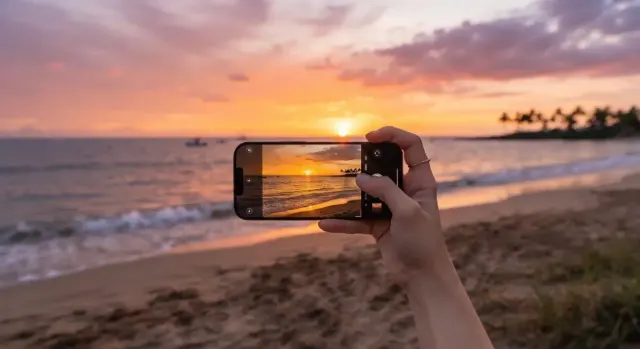
A glowing sunset turns grey on your phone. These six iPhone camera settings keep the colour, and each takes under a minute to change.
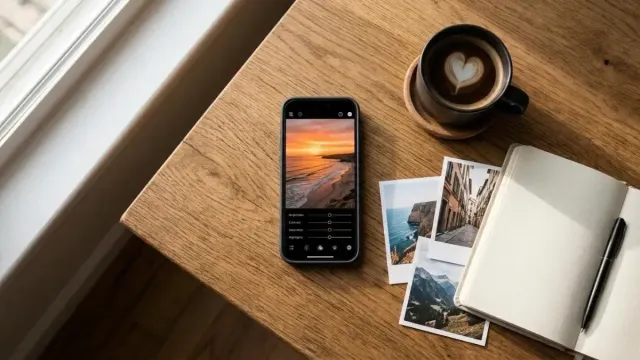
A nearly-right photo needs only a few slider moves. Here is how to edit iPhone photos in the Photos app so they look polished and still feel true.