High Efficiency, 48MP or ProRAW? Which iPhone Photo Settings to Choose
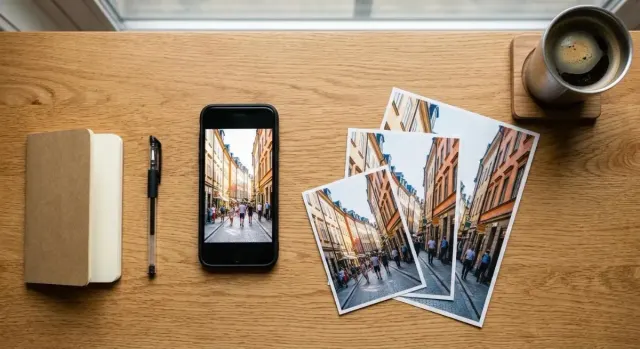
Which iPhone photo format, resolution and ProRAW settings to use, with file sizes for each and the steps to change them.
Easy iPhone photography guides, from the camera settings every beginner should know to editing, night shots and the iPhone 18 Pro's new Pro controls.
Which iPhone photo format, resolution and ProRAW settings to use, with file sizes for each and the steps to change them.
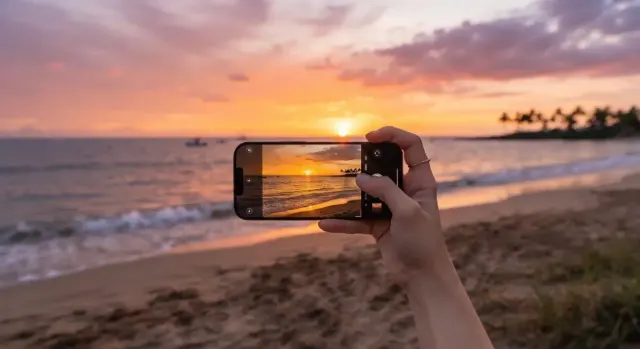
A glowing sunset turns grey on your phone. These six iPhone camera settings keep the colour, and each takes under a minute to change.
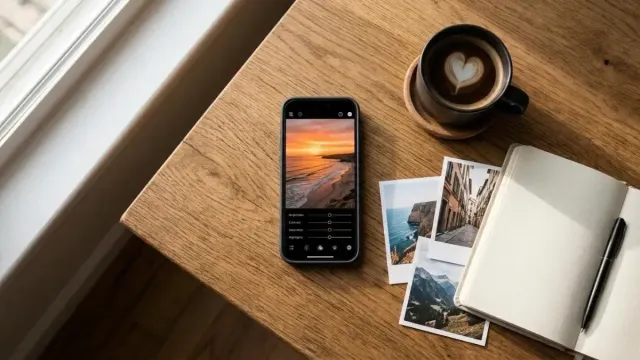
A nearly-right photo needs only a few slider moves. Here is how to edit iPhone photos in the Photos app so they look polished and still feel true.